Live Streaming for Trade Shows: A Complete Guide for Exhibitors
· By admin · Trade Shows & Exhibitors, AV, Displays & Live Streaming
Updated September 30, 2026
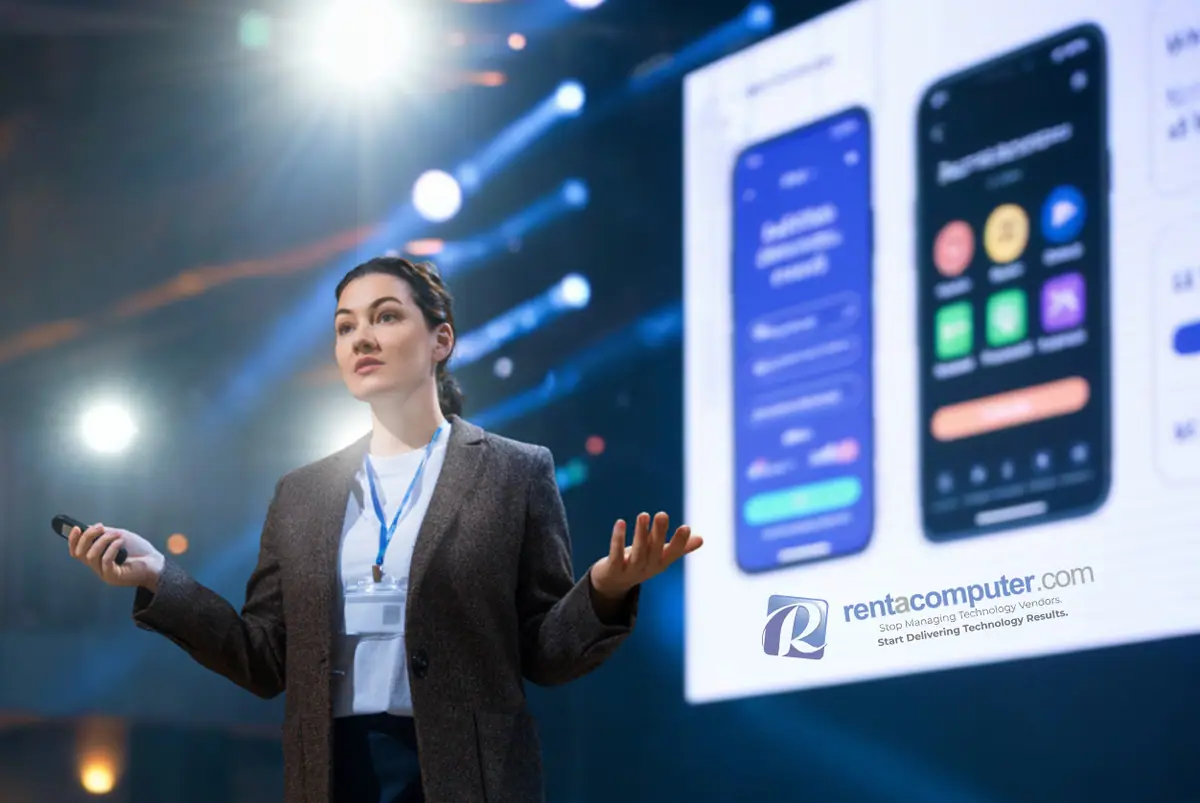

Trade shows have evolved significantly over the past decade. While the core objective of connecting with potential customers and showcasing products remains unchanged, the methods exhibitors use to achieve those goals have expanded well beyond the physical booth space.
Live streaming has become one of the most effective ways to extend the reach of a trade show presence. Instead of limiting engagement to attendees walking the show floor, exhibitors can now broadcast their message to a global audience in real time. Product demonstrations, presentations, and interactive experiences no longer need to be confined to a single location.
Organizations that integrate live streaming into their trade show strategy are consistently able to increase visibility, generate more leads, and extract greater long-term value from each event. Whether the goal is to support a product launch, deliver scheduled demonstrations, or engage remote stakeholders, live streaming offers a practical and scalable solution.
This guide outlines how live streaming fits into the trade show environment, what is required to execute it successfully, and how to determine the right approach for your team.
Why Live Streaming Matters for Exhibitors
Trade shows are inherently constrained by physical limitations. Booth size, foot traffic patterns, and scheduling conflicts all restrict how many people can realistically engage with your brand during the event.
Live streaming removes those limitations.
By broadcasting from your booth, you create an opportunity to reach a much broader audience that includes remote attendees, internal teams, prospective clients, and individuals who may not have been aware of your presence at the show.
In practical terms, live streaming allows exhibitors to:
-
Expand audience reach beyond the convention center
-
Deliver real-time product demonstrations to remote viewers
-
Capture high-quality video content for future marketing use
-
Facilitate communication with distributed teams and stakeholders
-
Strengthen brand visibility during and after the event
The impact is significant. Instead of presenting to a limited number of in-person attendees, your content can be viewed, shared, and repurposed long after the show concludes.
Common Trade Show Live Streaming Use Cases
Live streaming is adaptable to a wide range of exhibitor objectives. The most effective implementations are typically aligned with specific goals and integrated into the overall booth experience.
Live Product Demonstrations
Demonstrating a product in real time allows exhibitors to showcase features, answer questions, and highlight differentiators in a controlled and engaging format. Streaming these demonstrations ensures that the content reaches both in-person and remote audiences simultaneously.
Gameplay and Interactive Streaming
At events such as PAX and other gaming or technology-focused expos, exhibitors frequently stream gameplay, walkthroughs, and competitive sessions directly from their booth. This approach not only attracts attention on the show floor but also engages online audiences who are already familiar with streaming platforms.
Educational Sessions and Presentations
Scheduled presentations, training sessions, and thought leadership discussions can be streamed to expand their reach. This is particularly valuable for organizations looking to position themselves as industry authorities.
Remote Sales and Client Engagement
Live streaming can also support direct business development efforts. Sales teams can connect with remote prospects, conduct live walkthroughs, and involve stakeholders who are unable to attend the event in person.
What You Need to Live Stream at a Trade Show
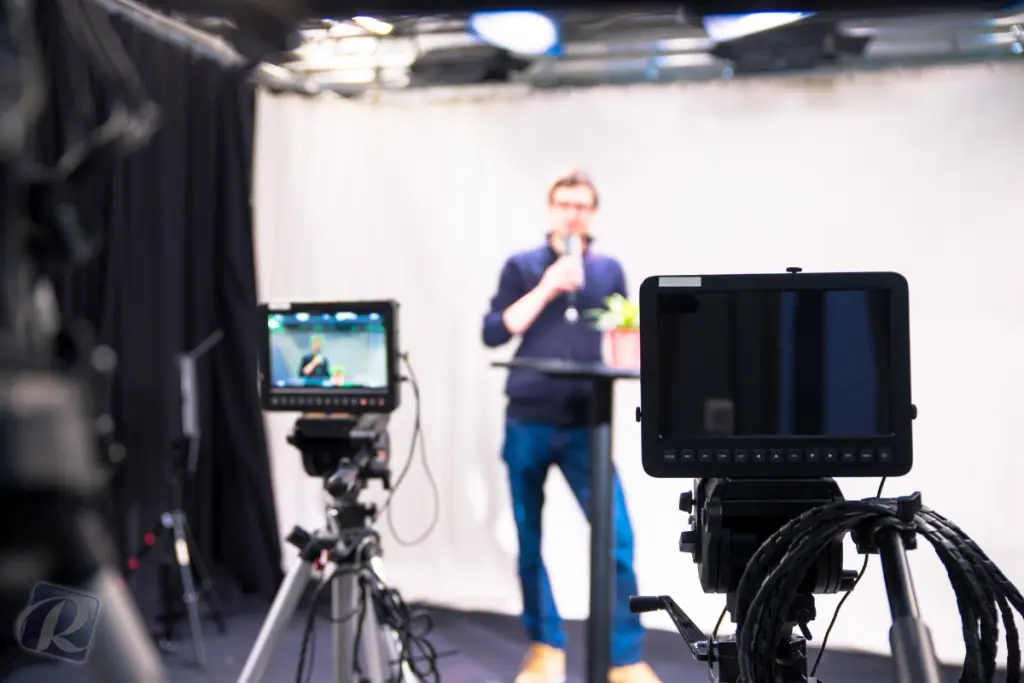
Executing a successful live stream in a trade show environment requires careful planning and reliable equipment. Unlike controlled studio settings, trade show floors present unique challenges, including noise, lighting variability, and network limitations.
Core Equipment
At a minimum, a functional live streaming setup should include:
-
A high-performance laptop or dedicated streaming workstation capable of handling encoding and broadcasting
-
Capture devices or hardware encoders to process video signals
-
Cameras appropriate for the production level, ranging from webcams to DSLR or PTZ cameras
-
Professional-grade microphones and audio mixers to ensure clear sound in a noisy environment
-
Lighting equipment to maintain consistent visual quality
-
A stable internet connection with sufficient upload bandwidth
Optional Enhancements
For exhibitors seeking a more polished and professional result, additional components can significantly improve production quality:
-
Multiple camera angles for dynamic viewing experiences
-
Branded overlays, lower thirds, and graphics
-
Confidence monitors for presenters
-
A dedicated technician to manage the stream and troubleshoot issues
The complexity of the setup should align with the importance of the stream and the expectations of the audience.
DIY vs Full-Service Live Streaming: What’s Right for You?
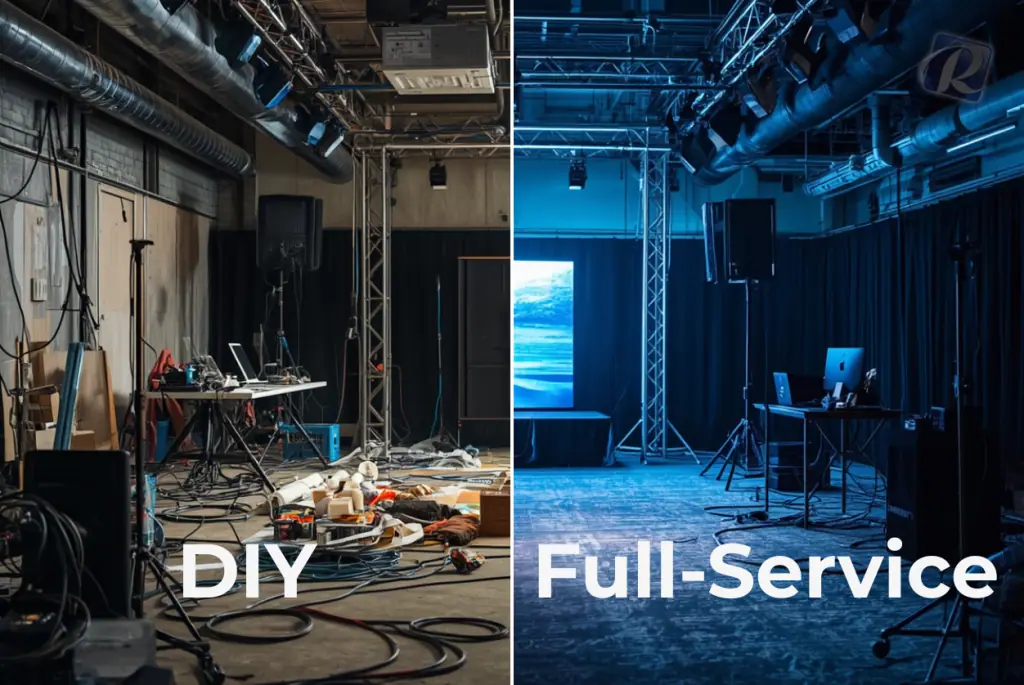
One of the most important decisions exhibitors must make is whether to manage live streaming internally or rely on a full-service solution. Each approach has clear advantages and trade-offs.
Option 1: DIY Live Streaming (Equipment Rental Only)
This approach involves renting the necessary equipment and managing the setup, operation, and troubleshooting internally.
Best suited for: Smaller booths, straightforward streaming needs, and teams with prior technical experience.
Advantages
-
Lower upfront investment
-
Greater control over configuration and execution
-
Flexibility to adapt the setup as needed
Limitations
-
Requires technical expertise and preparation
-
Increased risk of technical issues during the event
-
Diverts staff attention away from attendee engagement
-
Places full responsibility for setup and troubleshooting on your team
While a DIY approach can be effective, it is best reserved for situations where the streaming requirements are relatively simple and the internal team is confident in their capabilities.
Option 2: Full-Service Live Streaming
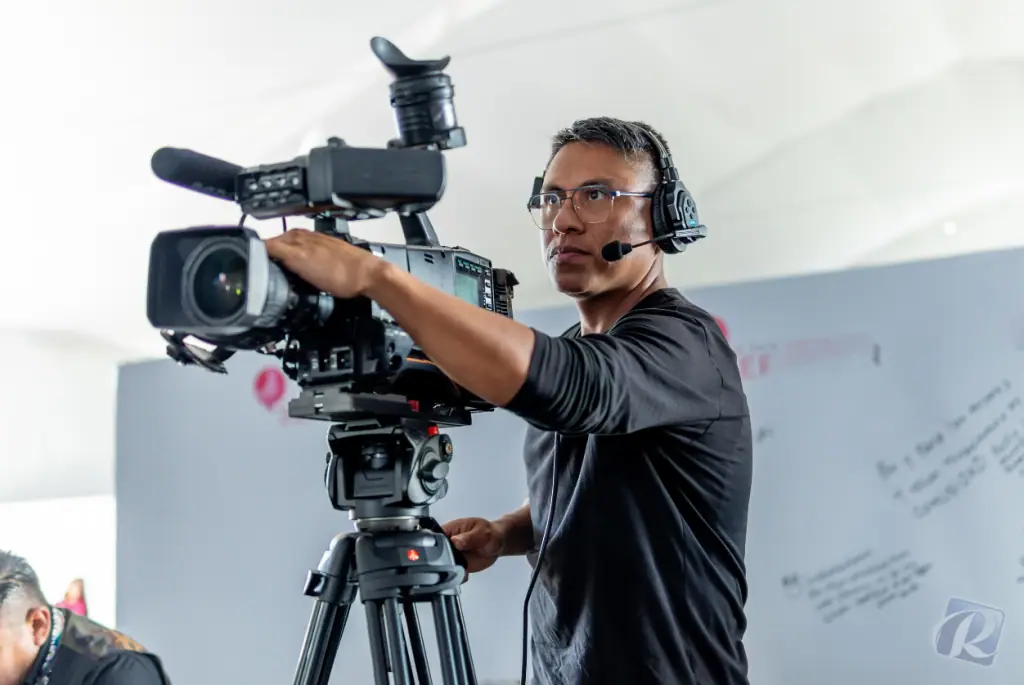
A full-service solution includes not only the equipment but also professional setup, operation, and on-site support.
Best suited for: High-visibility booths, product launches, executive presentations, and situations where reliability is critical.
Advantages
-
Professional-grade setup and execution
-
On-site technical support throughout the event
-
Higher production quality, including multi-camera capabilities
-
Allows your team to focus entirely on engaging with attendees
-
Significantly reduces the risk of technical disruptions
Considerations
-
Higher upfront cost compared to equipment-only rentals
-
Less direct control over technical configuration
For most exhibitors, particularly those investing heavily in trade show presence, the benefits of a full-service solution outweigh the additional cost.
Side-by-Side Comparison
Cost
DIY Rental: Lower upfront
Full-Service: Higher upfront
Setup
DIY Rental: Managed internally
Full-Service: Handled by professionals
Technical Expertise
DIY Rental: Required
Full-Service: Not required
Reliability
DIY Rental: Moderate risk
Full-Service: High reliability
Production Quality
DIY Rental: Basic to moderate
Full-Service: Professional
Team Focus
DIY Rental: Split between technical tasks and attendee engagement
Full-Service: Fully focused on attendees and business objectives
A clear takeaway emerges from this comparison. When live streaming plays a central role in your trade show strategy, a professionally managed solution provides greater consistency and better overall results.
Why Rentacomputer.com Is Ideal for Trade Show Live Streaming
Rentacomputer.com has extensive experience supporting trade shows, conferences, and corporate events across the country. This experience translates directly into reliable, event-ready live streaming solutions.
As a 5-star rated technology rental provider, Rentacomputer.com offers:
-
Nationwide delivery directly to convention centers and event venues
-
Pre-configured equipment designed for immediate deployment
-
On-site technicians available in major markets
-
Flexible rental durations to accommodate multi-day events
-
Scalable solutions for both small booths and large activations
Trade show environments are fast-paced and often unpredictable. Having access to properly configured equipment and experienced technical support ensures that your live streaming efforts perform as expected.
Pro Tips for Trade Show Live Streaming Success
Even with the right equipment and support, execution matters. The following best practices can help ensure a smooth and effective live streaming experience:
-
Test all equipment and connections prior to the start of the event
-
Whenever possible, use a wired internet connection to ensure stability
-
Design your setup to fit within the physical constraints of your booth
-
Promote your live stream in advance to build an audience
-
Record all streaming sessions for post-event use and content repurposing
Attention to these details can significantly improve both the quality of the broadcast and the value derived from it.
Live streaming has become a strategic tool for exhibitors seeking to maximize the impact of their trade show investment. It enables broader audience engagement, supports content creation, and enhances overall visibility.
Organizations that approach live streaming with a clear plan and the right resources are better positioned to stand out in competitive environments and achieve meaningful results.
Whether you choose to manage the process internally or partner with a full-service provider, the key is to align your approach with your objectives and ensure that your execution is reliable.
Need Help with Live Streaming at Your Next Trade Show?
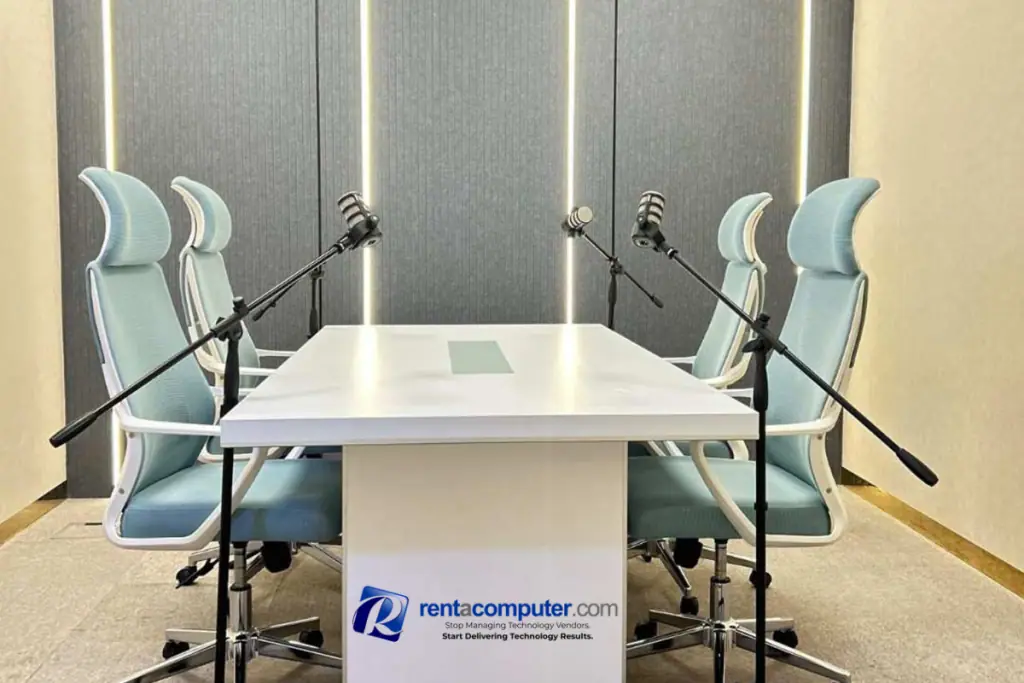
Rentacomputer.com provides both equipment rentals and fully managed live streaming solutions designed specifically for trade shows and events.
To learn more or request a customized quote, contact our team today and start planning a live streaming strategy that extends your reach beyond the show floor.
Related reading