3 Cost Effective Tech Ideas to Improve Your Event
· By admin · Technology Rentals
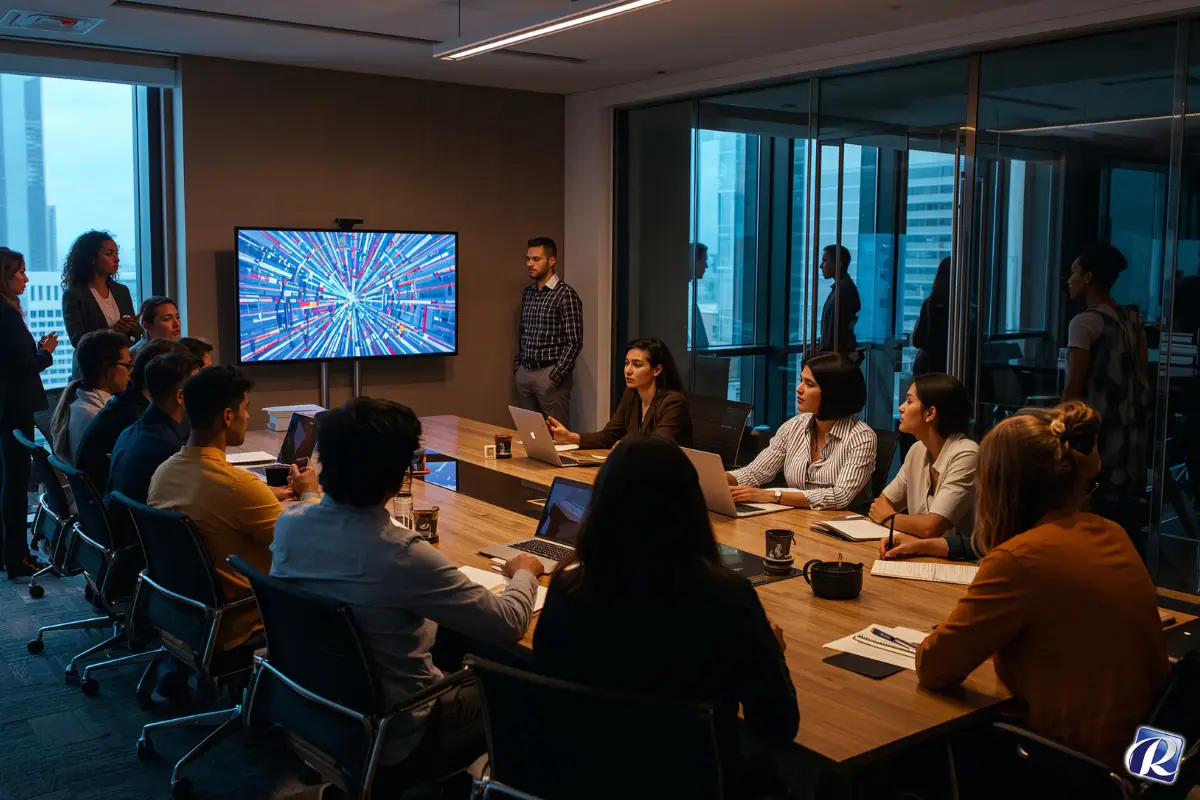
 Three Event Technology experts share their ideas to take your next event to the next technological level. These ideas will make your attendees take notice of your brand, your social initiatives, and your marketing messages.
Best of all, the 3 ideas can be very low cost!
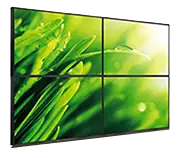
1. Social walls can be as simple as a floor standing large TV Display Monitor with your live feed from any social program such as Facebook, Twitter, Instagram, Pinterest or other application. Renting a floor stand and display can cost a little as a few hundred dollars and can be hooked up to your laptop.
2. Customer Wi-Fi Branding is as simple as making a login page that contains logos and marketing messages chosen by the event organizer. The cost could be nominal to make a custom login page.
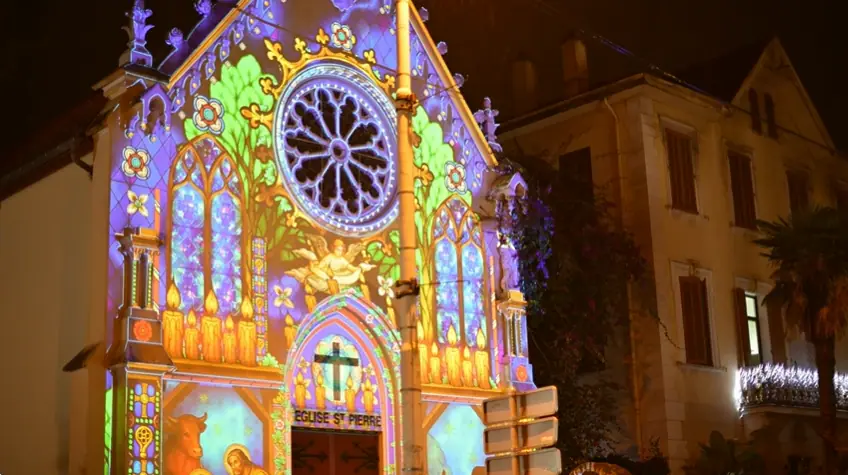
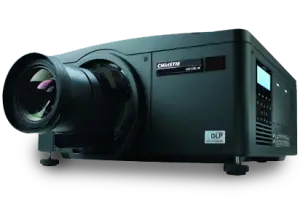
3. Video Mapping could be as simple as displaying images across a large wall via a hundred dollar rented projector or could be complex enough to require complex image manipulation across an uneven target such as a large building.
Here is what three industry experts have to say about Social Walls, Wi-Fi Branding and Video Mapping:
 Social Walls
A Social Wall is a live and real-time feed of Twitter and Instagram. Participants post using the event hashtag and those posts are displayed on the Social Wall feed. You can use multiple hashtags for any event, control content by excluding explicit content and retweet. Groups can also create custom posts to be added to the feed to be displayed on a rotation basis. Social Wall is customizable and banded to the needs of the client/event.
−Alex Brahms, team leader, PSAV, Boston Marriott Copley Place, and Hope Wiggins, PSAV, sales director
Custom Wi-Fi Branding
Make the Wi-Fi network for your group recognizable. Most networks in a hotel or convention center can have custom branding. For instance, when a guest connects to the Wi-Fi here at Fort Lauderdale Marriott Harbor Beach Resort and Spa, they see “Marriott_conference, Marriott_guest or Marriott_lobby” but with a custom SSID or splash page, planners can have attendees connect to the Wi-Fi by connecting to “XYZCompany_Wi-Fi”.
−Tim Downing, director of event technology, Fort Lauderdale Marriott Harbor Beach Resort and Spa
 Video Mapping
Video mapping technology allows for an unlimited amount of unique and creative video content to be projected on almost any surface. Planners can transform stages, walls, rooms, entire buildings and any other regular or irregular shaped surface into an environment that will greatly enhance attendees’ meeting experience. Video mapping allows versatility in staging design options. Transform a general session set to an awards banquet for the same attendees without physically altering the staging equipment. This means no adding or removing of set pieces.
−Robert Parrish, director of sales, PSAV, Baltimore Marriott Waterfront
Expert Quote Sources by Holly Woolard of Smart Meetings
Share on Social Media using these hastags! #Events #EventRentals #TechnologyRentals #EventTips