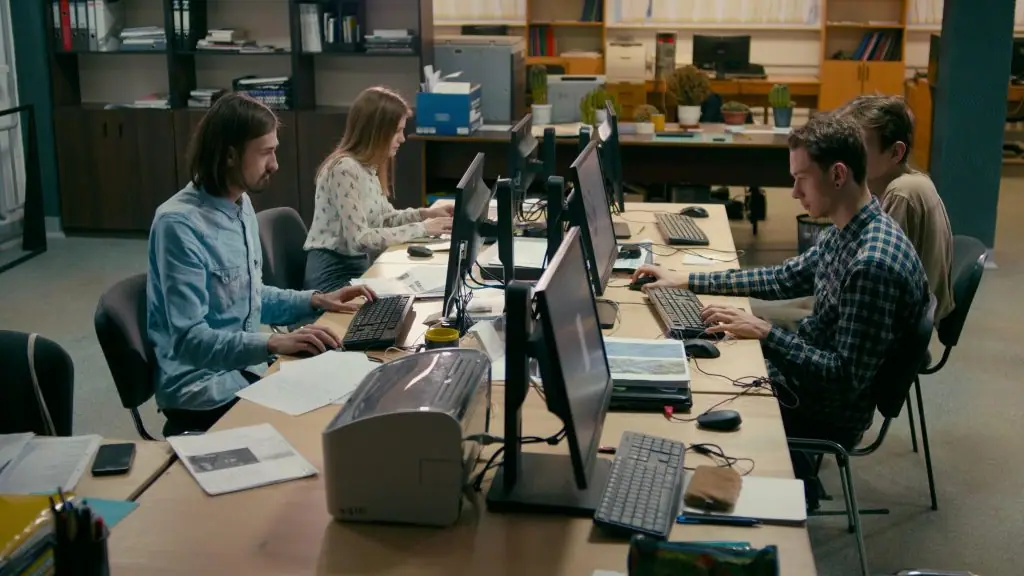
In today’s professional landscape, presentations play a crucial role in effectively conveying ideas, delivering impactful messages, and captivating audiences. To ensure a seamless and engaging presentation experience, it is essential to have a reliable and capable workstation that can handle the processing demands whil
Hosting a conference requires customized audio, visuals, lighting, and presentation equipment to deliver the message effectively to the audience. In such a situation, renting audiovisual (AV) equipment can be a cost-effective and efficient way to bring everything together. AV rental equipment comes with experienced pro
What’s the best part about a UCaaS communication system? With this cloud-based service, businesses can truly centralize their communication channels. With UCaaS, teams can make calls from anywhere, making it a highly versatile solution. Cloud-based systems offer several benefits, including scalability, integration of m
Are you having trouble connecting your Apple device to an external display? If you’re not using an Apple monitor, connecting to an external display can be confusing. While hooking up an additional display has never been an issue for Windows PC users, this hasn’t always been the case for Apple device users. While a few
If you’re looking to rent* or upgrade your display for an upcoming event, conference, or just to have around the office, the high-end TV market can be as confusing as ever for new buyers. While there are a bunch of new TVs to consider from a variety of manufacturers, there is also a heap of …
2020 was a year of trial and error for the events industry. With venues around the globe closing their doors, exhibitors and event organizers were forced to adapt their event strategies to a virtual platform. While some content-driven programs saw some success with the digital alternative, this was probably because the
The internet was designed to connect people all over the world–and the event industry shares the same goal. Event planners around the world are consistently looking for alternatives to face-to-face meetings, conventions, and trade shows. Whether you’re just getting started live streaming or you’re expanding your virtua
Projectors have long been a staple of the event industry. From seminars to conferences and product launches, projectors enable event planners to ensure that the audience is able to get the information they need and deliver visuals that are easily seen by every attendee. There are many different factors to consider when
Lamp projectors are becoming a thing of the past as Laser projectors are quickly becoming smaller and more cost effective. Not to mention there are several advantages to using a laser projector instead of a lamp projector. While lamp projectors have been around for over thirty years, laser projectors aren’t exactly new
Rentacomputer.com is about more than just computer rentals – we’re also in the event production industry. As your full-service event production partner with more than 30 years’ experience in event technology rentals, we help make your event a success while giving you the opportunity to focus on the rest of your event.
The blank expanses that many event spaces present can be both a blessing and a curse. While giving you the opportunity to create your own mark on the venue, many venues can also seem bland and cold at first sight. How do you create a personal experience for every guest when your space feels less …
A New Year’s Eve party? What fun – but planning a New Year’s Eve bash that will draw a crowd to your restaurant can be one of the most stressful tasks you have all year. How do you win out among a sea of competing events going on across the city? The right blend …
Rentacomputer.com frequently works with production companies, studios and television networks like FOX NEWS, BET, NBC and ESPN to help enhance their televised events or to create realistic environments for TV shows and movies. Back in 2013, a production company working with CBS Studios utilized Rentacomputer for their
As an experienced meeting professional, you have most likely used a combination of in-house and outsourced AV companies. Why? The in-house provider had limited gear choices that didn’t match your needs. Or you found yourself using three or four vendors because the local company couldn’t provide enough iPad and laptop r
That’s right…I said we. Meaning your organization and mine. Some of the problems described below have easy fixes, while others require more prudent planning. I’m certain that you’ve experienced all of them — either hosting or attending an event. The most common problems fall into four categories: Sound, Projector, Pres